Answer common questions
Use information your business has approved, such as service details, opening hours, or next steps.
Face45 / WhatsApp AI
Plan a practical assistant for common questions, new enquiries, and handoffs to your team. Start with what should be automated and where a person should take over.
Illustrative service demo / production flow follows your team’s rules

WhatsApp AI / helpful handoffs
Define what an assistant can answer, which information it may use, and where a person should take over the conversation.
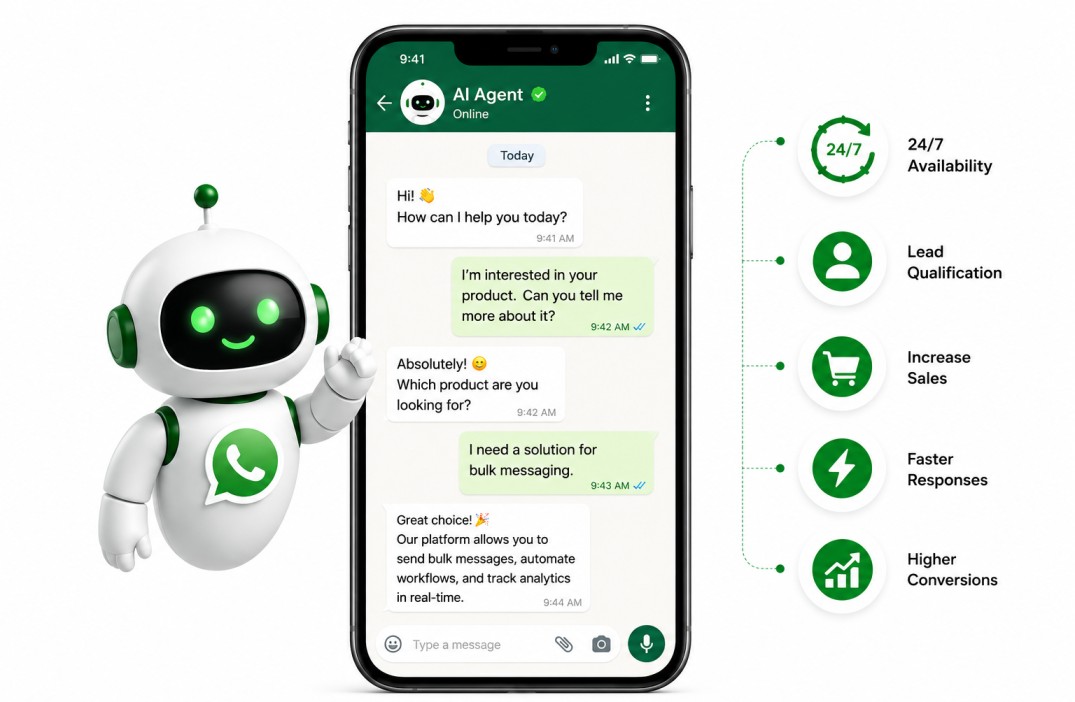
WhatsApp AI / human support
A helpful assistant should make it easy to reach a person, carry the conversation context forward, and avoid asking customers to repeat themselves.
WHATSAPP AI / INTERACTIVE HANDOFF
Choose a conversation stage or a use case. The assistant should use approved information and make a human handoff part of the customer experience.
Interactive workflow / service map
Select a step to see what happens, or use the controls to move through the sequence.
Select a stage to inspect its details
Stage 01 / What happens
Understand the customer's intent and the information they are asking for before choosing a response.
Choose a scope area
Select an area for its detail and a practical planning note.
Scope area 01
Use approved service details, opening hours, and next-step information for a defined set of questions.
Start with a real task
Good automation has a clear purpose and a safe way to stop, clarify, or hand over the conversation.
Use information your business has approved, such as service details, opening hours, or next steps.
Ask for the details your team needs, then pass the conversation along with its context.
Send a request to the right person or team when it needs a human response.
Where your setup allows it, connect conversations to scheduling, customer records, or other tools.
How it works
An assistant should reflect the way your team actually handles enquiries, not add another disconnected inbox.
Agree which questions or steps are suitable for automation.
Review WhatsApp Business access, approved information, and any tools to connect.
Test common questions, unclear requests, and when a person needs to step in.
Clear boundaries
Define which information it can use, what it should not decide, and how someone reaches your team. Message policies and platform access must be checked against your actual WhatsApp Business setup.
Explore workflow automationCommon questions
It can help with a defined set of approved questions, collect enquiry details, and route conversations to a person. The exact features depend on your WhatsApp Business setup and connected tools.
Yes. Human handoff should be planned as part of the experience, with a clear way to reach a team member when the assistant is unsure or the request needs judgment.
Outbound messages depend on WhatsApp's current policies, user permissions, and your business account setup. Any messaging rules and approved templates must be confirmed before launch.
An eligible WhatsApp Business setup and the required platform access are needed for an integration. Face45 can help define the technical scope, but the business owns and approves its accounts.
Face45 / WhatsApp AI
Share what people ask today and how your team responds. We can define a useful first scope together.