The same information gets looked up again and again.
People repeat searches across internal documents, policies, or notes instead of starting from an approved source.
Face45 / AI agents & automation
Design practical AI workflows that gather context, prepare useful work, and hand decisions to the right person when judgment matters.
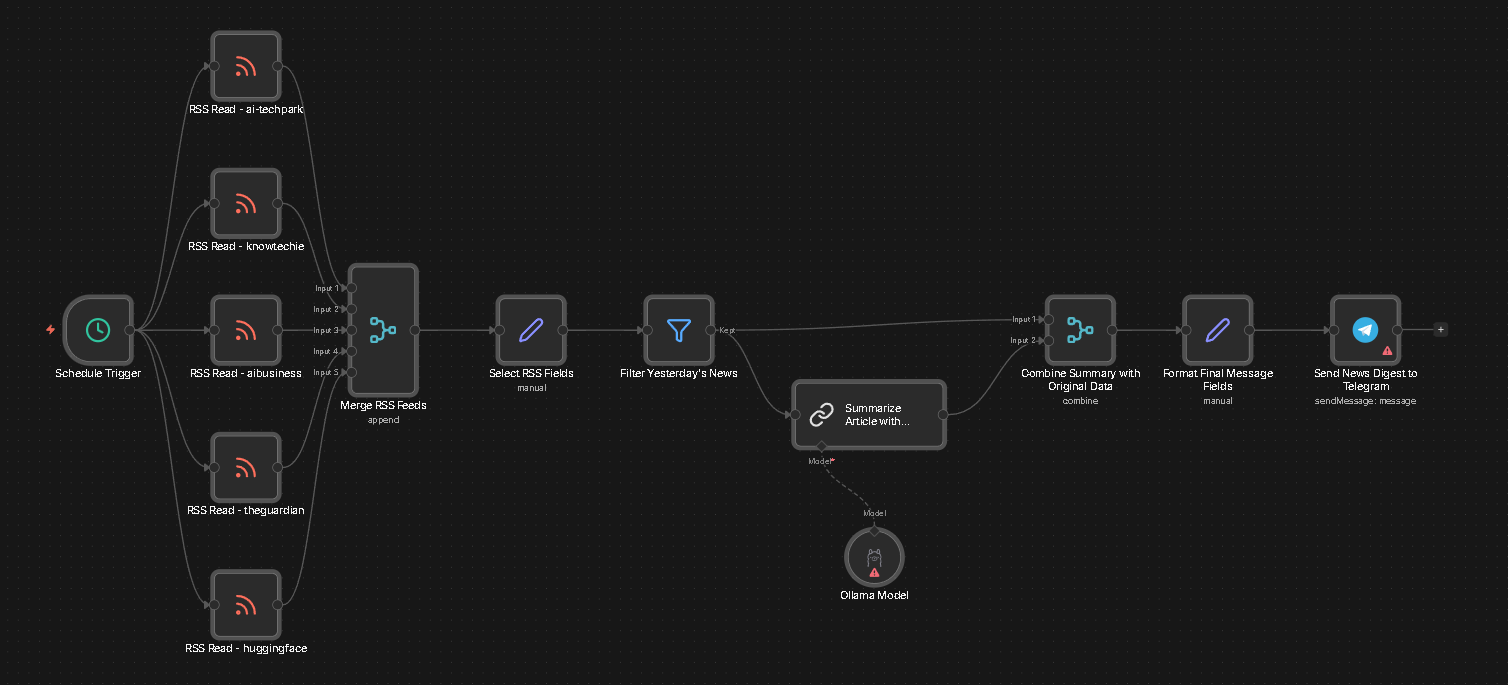
AI / keep people in control
A good workflow makes its inputs, permissions, exception paths, and human review points clear before it takes action.
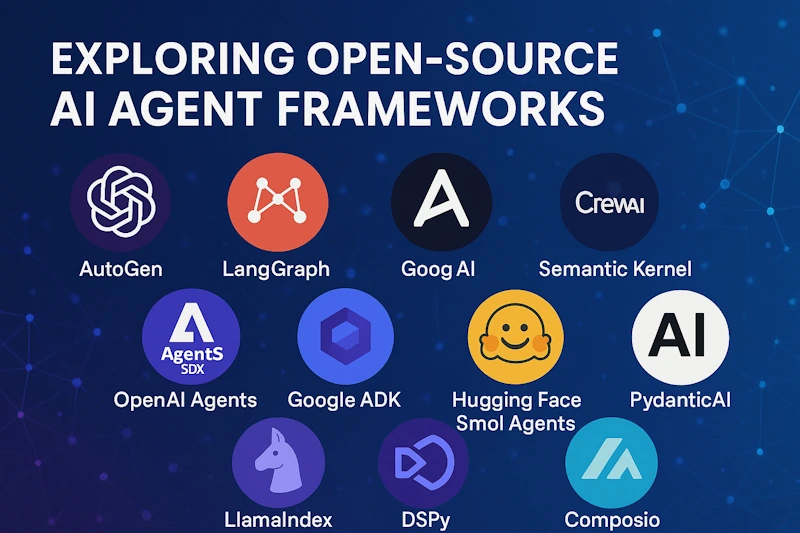
Automation / clear ownership
A useful workflow has a named owner, clear inputs, sensible exception handling, and a way for people to review decisions.
AI AUTOMATION / INTERACTIVE WORKFLOW
Select a workflow stage or a possible use case. The practical design keeps inputs, permissions, exceptions, and human handoffs explicit.
Interactive workflow / service map
Select a step to see what happens, or use the controls to move through the sequence.
Select a stage to inspect its details
Stage 01 / What happens
Record the trigger, information, decisions, exceptions, owners, and tools involved in the current process.
Choose a scope area
Select an area for its detail and a practical planning note.
Scope area 01
Search an approved source set and return useful references for a person to verify.
Where automation can help
Useful automation begins with a specific workflow and a clear boundary—not with adding AI to every task.
People repeat searches across internal documents, policies, or notes instead of starting from an approved source.
Someone has to read, classify, summarize, and route each request before the next person can act.
A defined workflow may need a reliable draft, reminder, or handoff—not an unsupervised decision-maker.
Illustrative workflow
This illustrative diagram shows one possible pattern, not a deployed Face45 client system or a confirmed software integration.
A defined event starts the workflow.
Read only the sources and fields included in the agreed scope.
Summarize, classify, or draft the next step for review.
A named person checks and approves consequential actions.
Continue only within the permissions and action limits that were agreed.
If details are missing, sources conflict, a request is out of scope, or permission is unclear, the workflow pauses and explains why.
Illustrative use cases
Each use case is scoped to the team’s tools, data rules, and approval process.
Find relevant material in an approved source set and return a short answer with references for a person to check.
Collect information from permitted sources, summarize key points, and flag gaps or uncertainty for review.
Organize submitted details against agreed criteria, prepare a summary, and route it to a team member.
Prepare a draft update or task from a defined event, then pause for the right person before consequential actions.
Permissions and oversight
The system should use only the access needed for its defined job, and people should know when it is acting, suggesting, or waiting.
Choose allowed sources and fields; exclude information the workflow does not need.
Review access and actions for each tool. Never assume unrestricted system access.
Require approval for sensitive, external, costly, irreversible, or uncertain actions.
Give exceptions a clear owner and route; do not silently invent missing facts.
From map to monitoring
Scope, permissions, and exception handling are part of the build, not details to postpone until after launch.
Document the trigger, inputs, decisions, exceptions, owners, and current tools.
Build a bounded prototype with representative examples and clear limits.
Confirm permissions and data scope before connecting any approved system.
Check missing information, conflicting inputs, refusal paths, and human handoffs.
Set who can use it, what it can do, where it must stop, and how to escalate.
Inspect outputs and exceptions, then refine the workflow as requirements change.
Designed for oversight
Start with a defined task, approved information sources, and a handoff plan. Keep each workflow within agreed limits so people can review the result or step in when needed.
Questions worth asking
A FAQ chatbot mainly responds to questions from a bounded knowledge source. An agent can be designed to complete several connected steps—such as gathering context, preparing a draft, and routing it—within specific permissions. The exact capabilities depend on its design and approved tools.
That depends on the workflow. External, sensitive, financial, irreversible, or ambiguous actions should pause for a named person to approve. Autonomy should be deliberately limited, not assumed.
The workflow should have a defined stop condition. Missing, conflicting, or out-of-scope information can be surfaced with a reason and handed to a person instead of being treated as a confident answer.
Only after the required tools, access methods, permissions, and data handling have been reviewed and approved. No provider connection or integration is assumed by this page.
Face45 / AI agents
Bring one repetitive process. We can define what should happen, where it should stop, and whether an agent is the right fit.